Cost per page is set partly by what you buy and partly by how you print. The second is free to change.
Use draft mode for internal work
Draft or economy mode lays down noticeably less ink or toner. For anything read once and recycled — proofs, internal notes, reference copies — the quality difference does not matter and the saving is substantial.
Set it as the printer default and switch to normal quality deliberately when output is going to someone else. Defaults win, because nobody changes a setting per job.
Print in mono unless colour is needed
Colour laser and inkjet printers often use a small amount of colour toner even for black elements unless told not to. Selecting greyscale explicitly avoids that.
On some inkjets, running out of one colour stops the printer entirely even for black-only jobs. Knowing whether yours does this is worth finding out before it happens on a deadline.
Font choice makes a measurable difference
Some typefaces use noticeably less ink than others at the same point size. Narrow or light-weight faces use less than heavy ones; serif faces with thin strokes use less than bold sans-serif.
Dropping from 12pt to 11pt for internal documents also reduces both ink and paper.
Do not print what nobody reads
The largest saving available is not printing. Print preview, print-selection rather than whole pages, and printing two pages per sheet for reference material all cut consumption more than any setting.
When “low toner” appears
Low-toner warnings are conservative. There is usually a meaningful amount left.
For laser toner, removing the cartridge and rocking it gently side to side redistributes the remaining powder and often gives a further run of pages. Rock it horizontally, not vertically, and do not shake it hard — that produces loose toner inside the machine.
Do this when print quality actually fades, not when the warning first appears. And keep a spare cartridge before you need it, so the redistribution buys convenience rather than causing panic.
Inkjets need to be used
The opposite problem. Inkjet printheads dry out when idle, and the cleaning cycle that unblocks them consumes ink — sometimes a lot.
An inkjet printing a page a week uses less ink than one printing a page a month, because the second one runs more cleaning cycles. If you print rarely, print a small colour test page weekly. It is cheaper than the cleaning.
Storage
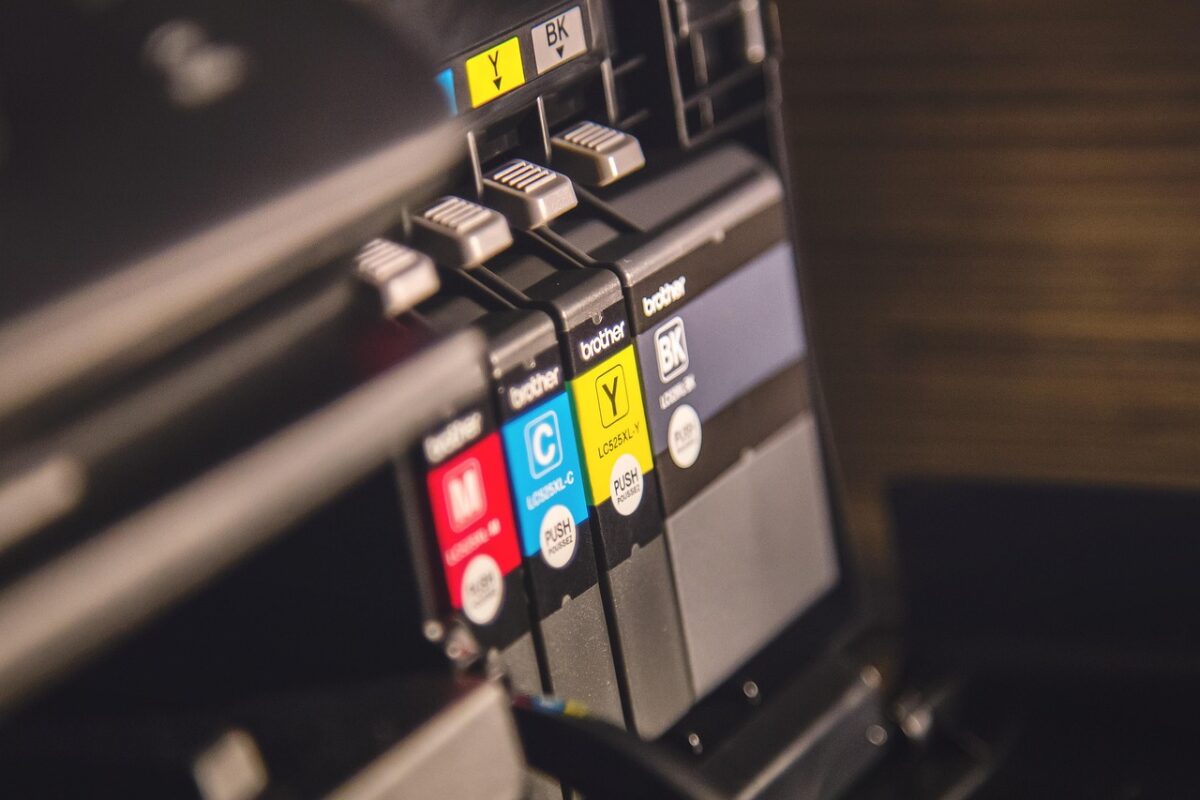
- Keep spare cartridges in their sealed packaging until needed. Toner absorbs moisture; ink dries.
- Store upright, in the orientation marked on the box.
- Somewhere cool and dry, out of sunlight.
- Note the shelf life. Ink cartridges in particular have one, and an old cartridge may not perform whatever the seal says.
Paper affects consumption
Rough or lightweight paper absorbs more ink and gives a less crisp result, which tempts people to reprint. Reasonable-quality paper is cheaper than the ink wasted on poor paper.
Damp paper is worse: it causes misfeeds and poor fusing on laser printers. Keep paper wrapped until use.
Track what you actually use
Most printers report a page count. Recording it when you change a cartridge tells you your real yield, which is the only figure that lets you compare genuine against compatible properly for your own printing.
See our cartridge range, with codes and yields where the manufacturer publishes them.