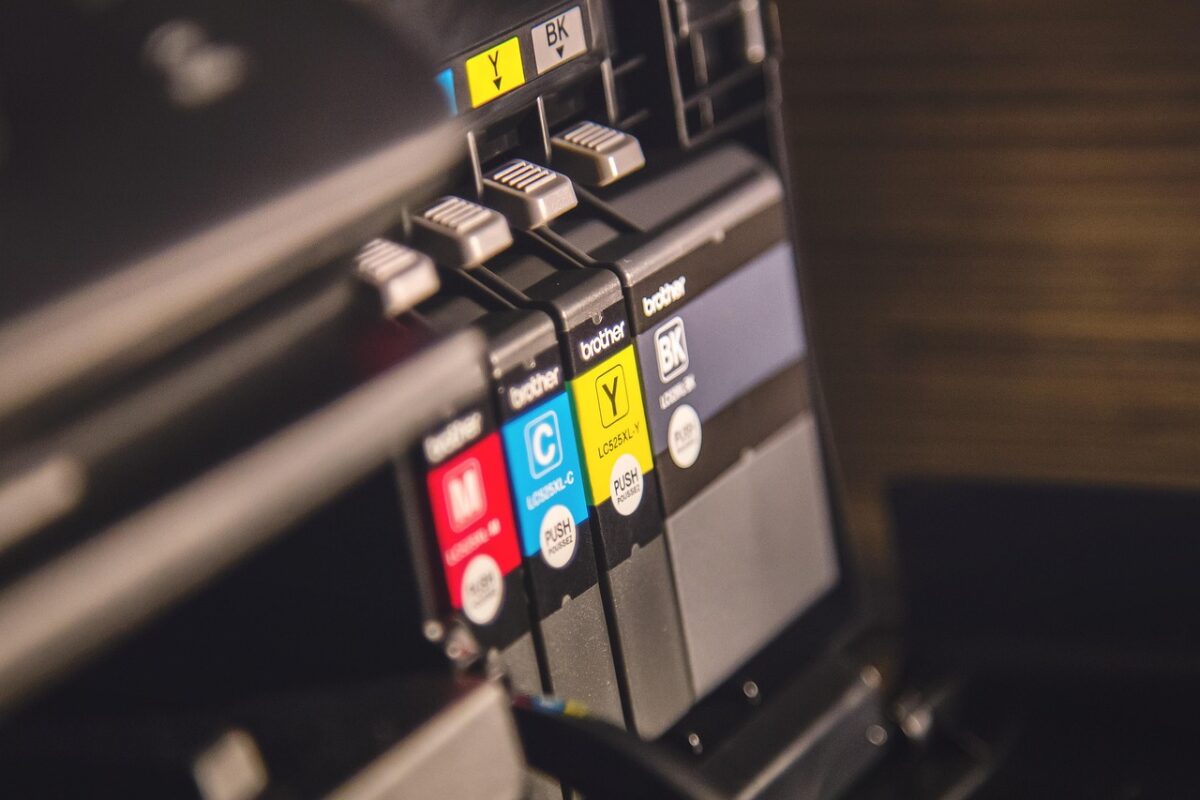
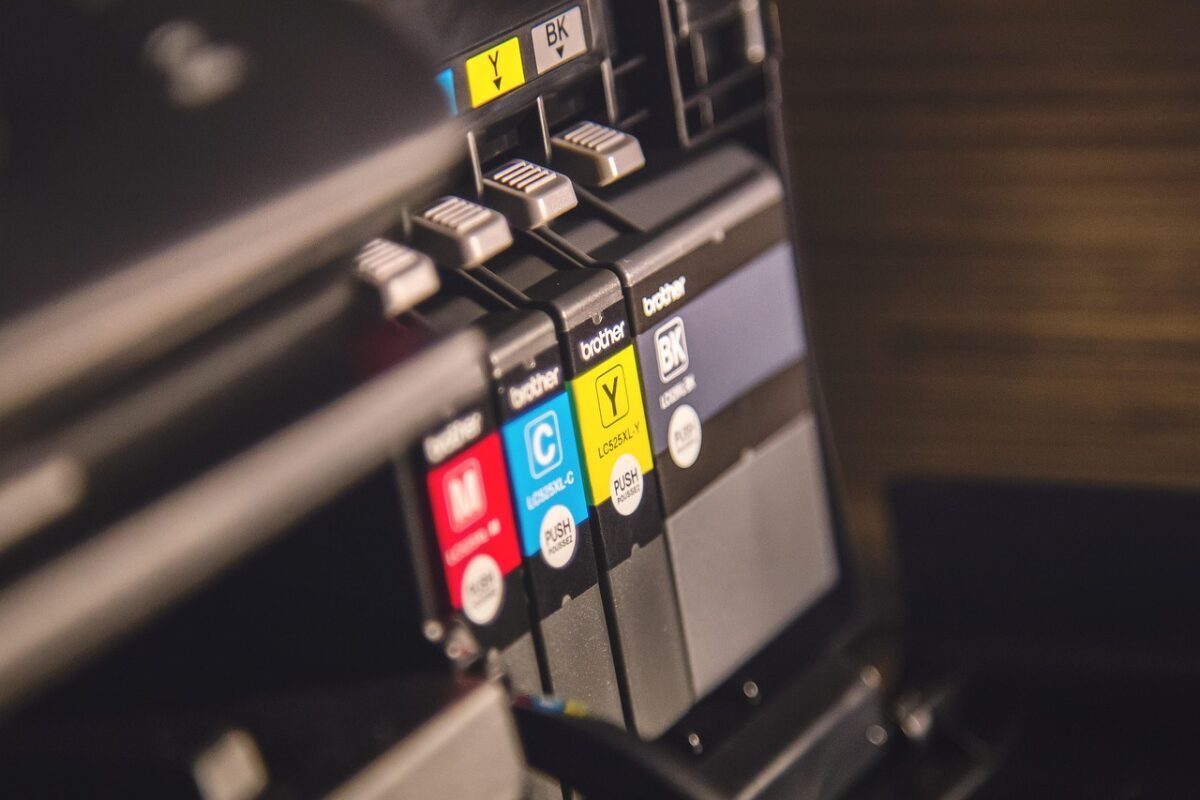
Ordering the wrong cartridge is almost always a code problem. The codes are systematic once you know the pattern.
Find your code first
Three reliable places, in order:
- The cartridge currently in the printer. Take it out and read the label. This is definitive.
- The printer’s own menu. Most machines list supply part numbers under a supplies or status menu.
- The manual, or the label inside the access door.
What is not reliable is searching the printer model alone. Many printers accept two or three cartridge codes at different yields, and some model families share a name across machines that take different supplies.
Brother TN codes
Brother uses TN followed by a number for toner and DR for the drum unit.
Within a family, a higher number generally means a higher yield for the same physical cartridge:
- TN730 — standard yield
- TN760 — high yield, same printers
- TN770 — super high yield, where supported
A printer that takes TN730 will take TN760. The cartridge is the same size; there is simply more toner in it. Choosing between them is a cost-per-page decision, not a compatibility one.
Toner and drum are separate on Brother lasers
This surprises people. The TN cartridge holds toner; the DR unit is the imaging drum and lasts several toner cartridges. If print quality shows repeating marks down the page at a fixed interval, that is usually the drum, not the toner.
The colour multipacks
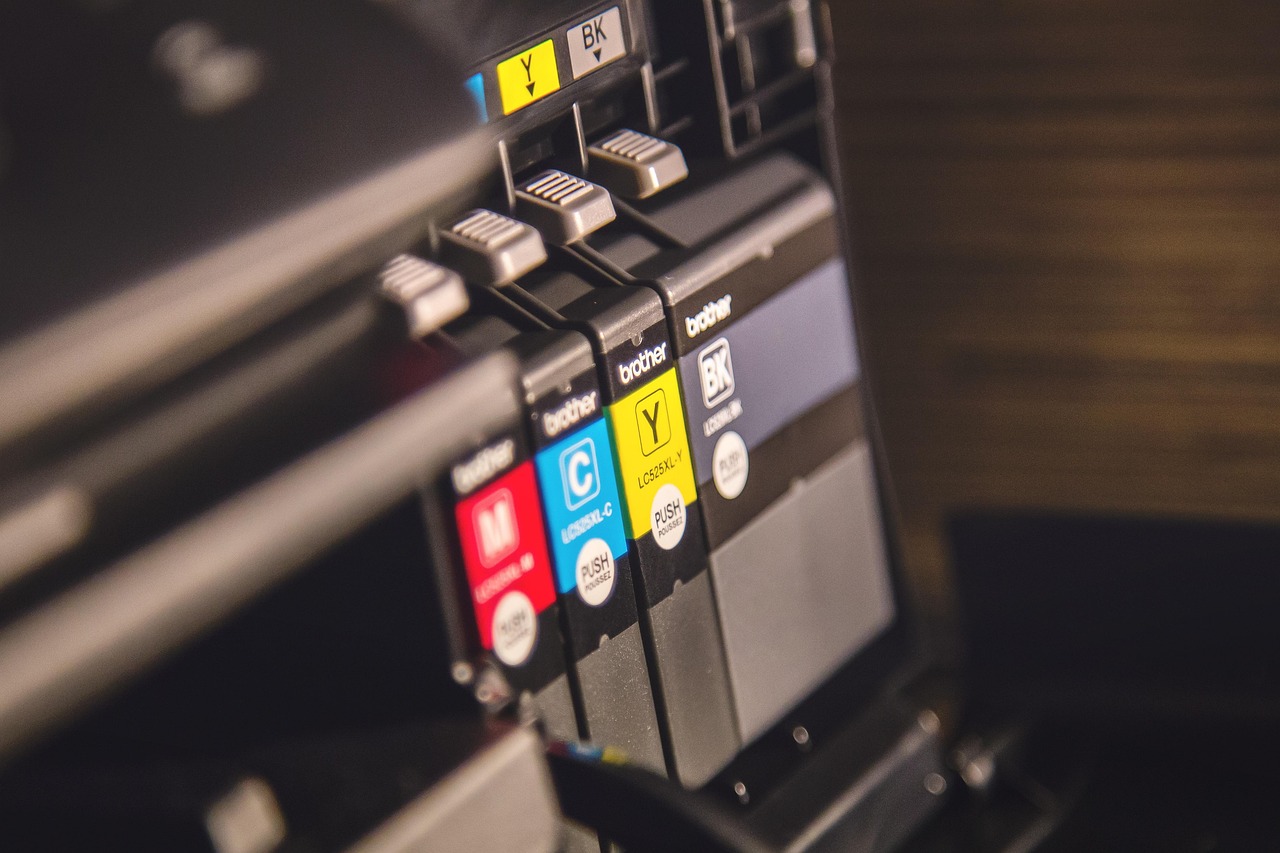
Codes like TN229 and TN229XL cover a four-colour set. A pack marked 4-pack or with BK/C/M/Y contains all four; a single-colour listing contains one. Check which you are buying — the price difference makes it obvious in hindsight.
HP codes
HP uses a number, sometimes with XL.
- 64 — standard yield
- 64XL — high yield, same printers
As with Brother, XL is more ink in the same cartridge, not a different fit.
HP laser toner uses a letter suffix instead — 215A, 216A, and so on — and here the letter is part of the identity rather than a yield marker. 215A and 216A are different cartridges for different printers. This pair is a common ordering mistake because the packaging is nearly identical.
HP colour toner sets
Codes like W2310A through W2313A are the individual colours within the 215A family: black, cyan, yellow, magenta. A listing quoting all four numbers is a set.
The traps worth naming
- Regional variants. Some cartridges are region-coded. A cartridge intended for another region may not be recognised.
- Setup cartridges. The cartridge supplied with a new printer is often a lower-yield starter. Do not use its yield to plan your costs.
- Similar codes, different printers. TN227 and TN229 are not interchangeable despite the resemblance.
A method that does not go wrong
- Read the code off the cartridge in the machine.
- Decide standard or high yield on cost per page.
- Decide genuine or compatible.
- Check the listing names your printer model.
Every listing here carries the cartridge code and the printer series. If you have the code and want to check, send it to us before ordering.